What is Customer Service Calling Software? How to Use It Effectively
Reading Time: 8 minutes
Use the Up/Down arrow keys to increase or decrease the volume.
Talking to customers over the phone is more difficult than other means of communication, firstly because there’s no time to pause and frame your answers appropriately. Secondly, it’s too easy to lose context in phone conversations. You can’t view call summaries or customer history while on a call with them. To help you simplify this process, you may need a solution – customer service calling software. So what is this software and how to use it effectively? Let’s find out below!
1/ What is Customer Service Calling Software?
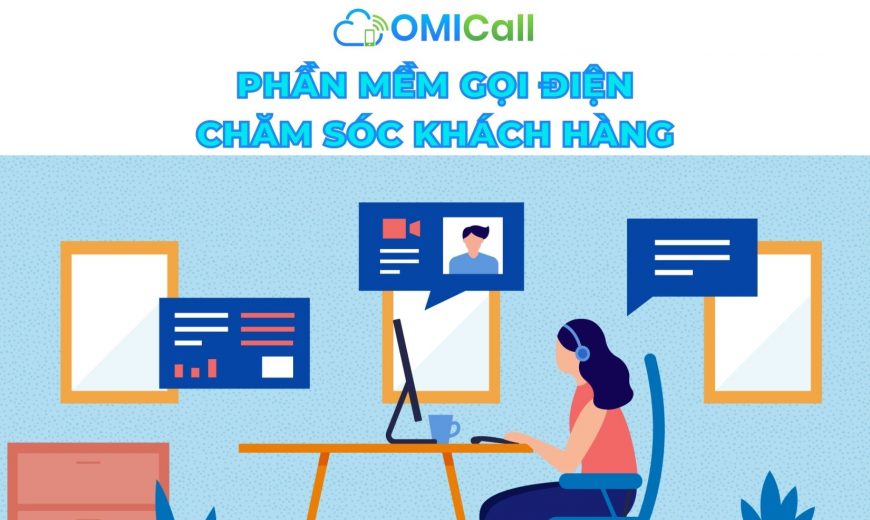
Customer service calling software (customer service call center system) is a system that manages all calls related to customers. It allows you to communicate effectively with customers. Even if you have a lean team, whether you handle incoming calls, outgoing calls, or a combination of both, call center software can help you streamline your customer support department to provide exemplary service.
The purpose of call center software is to help businesses manage customer communication more efficiently and conveniently. It allows interaction with customers across multiple channels, such as phone, email, live chat, instant messaging, SMS, and social media, all unified on one platform. This creates a seamless customer experience.
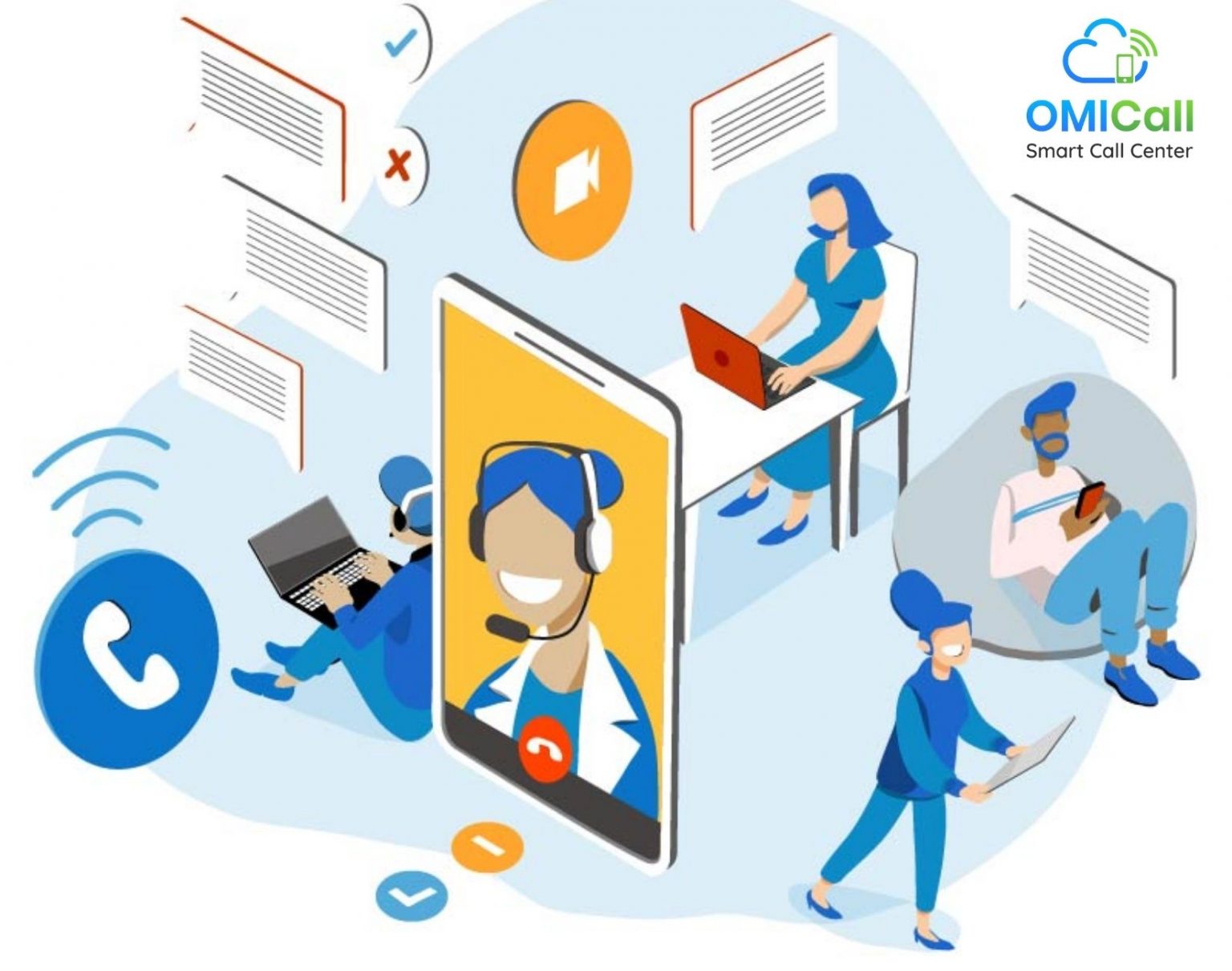
Call center software is an essential tool for businesses today.
2/ Why use call center software?
In today’s business environment, it’s crucial for companies to provide timely support to improve the customer experience. Although modern digital channels like live chat and email have developed, many people still prefer contacting customer service by phone. This is because phone support provides a more personalized and immediate solution to customer issues. This is why customer service call software is used.
In addition, customer service call software helps reduce the time spent resolving customer support calls and secures more sales.
3/ How does Call Center software work?
At the most basic level, all customer service call software works by organizing incoming calls and communication in the most customer-friendly way possible. Here are the general steps:
When the last ticket is marked as closed, the software can send further inquiries/communications to the customer.
The system identifies the customer.
If available, the system will retrieve customer information for the managing staff.
Calls/messages are routed to a queue for the appropriate staff (based on the staff member’s skill set or reason for contact).
While in the queue, staff members can manually answer calls or be automatically assigned to them.
Customer support staff are more efficient with the information provided by the software.
If the issue is not resolved, the software allows the representative to record the interaction and manage further follow-up.
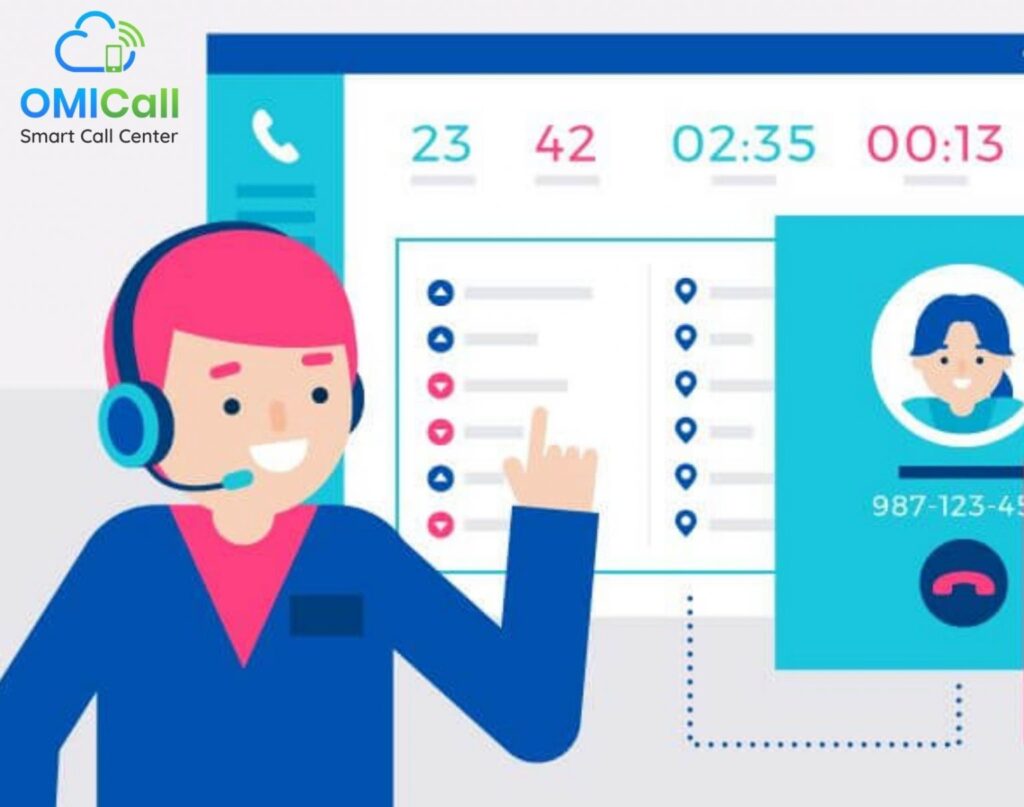
How Call Center Software Works
4/ The Most Effective and Convenient Customer Service Calling Software Today
OMICall provides you with a 360° overview of the customer as soon as the call is queued. This gives you enough time to fully understand and anticipate customer needs. OMICall’s intelligent call routing and IVR ensure that incoming calls are automatically routed to the correct person or department within your call center.
With OMICall’s virtual PBX, all incoming calls are free. The CRM-integrated customer service calling software helps you get the full context of the customer before receiving a call.
Set up voicemail and automatic callbacks when you’re unavailable or your PBX is too busy.
Customer management, recording, intelligent call allocation, ticketing, and free video calls are just some of OMICall’s most popular features.
Add call comments and update customer information during or after the call. Two-way synchronization ensures all your systems are always up-to-date.
5/ Professional Customer Service Call Process with OMICall
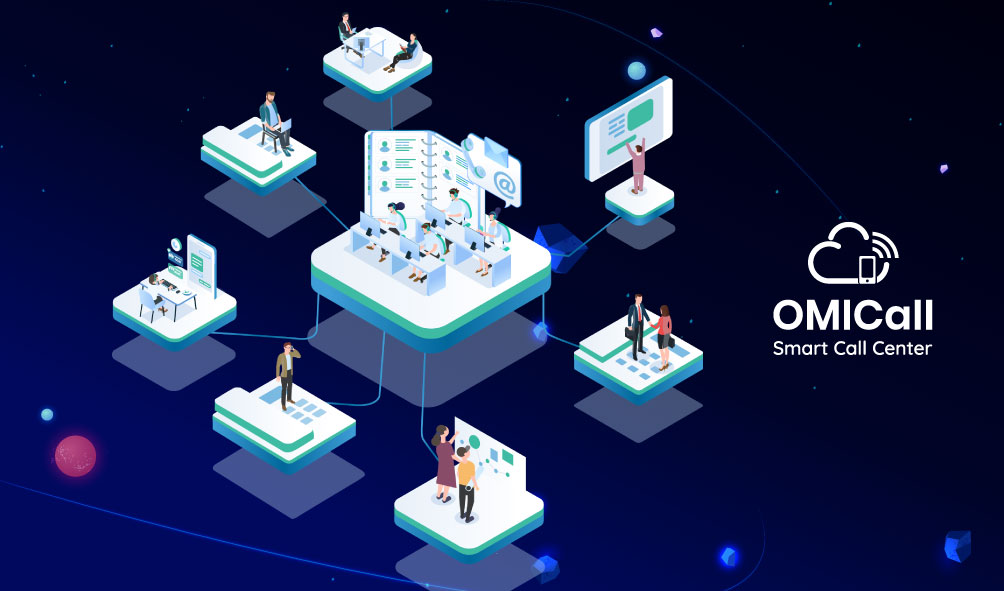
Customer Service Call Process of the Virtual Call Center System
OMICall offers many great features that make the customer service call process for businesses easier and more convenient than ever. Connect and interact with customers effectively, generating more sales transactions. The OMICall virtual call center’s customer service call process works as follows:
Real-time Customer Cards
Business owners/managers/staff can view all caller information displayed on the call center system. During the call, they can immediately view the interaction history, orders, chats, or customer notes. This allows them to provide top-notch customer service.
Call Recording
OMICall can automatically record all calls. After the call ends, you can listen directly from your internet browser anytime, anywhere. Improve customer interaction by monitoring your team’s calls.
Call Queueing
Create custom call queues. Incoming calls are queued based on predefined rules and directed to available agents within the appropriate group. Personalized messages are also available.
Callback
If any calls remain unanswered, OMICall can automatically call back your customer. A missed call from a customer is registered in the system. The system will then dial the customer’s number until your employee and the customer are successfully connected.
Business Hours
Define your business hours and decide when you can receive calls. Outside of these hours, you can choose a specially personalized out-of-service message. Redirect calls to a different phone number or answering machine, or even use various combinations.
Interactive Voice Response (IVR)
Whether you have 2 support representatives or 200, OMICall’s intelligent Interactive Voice Response feature makes it easy to route calls to the right person or department at the right time. Ensure your customers are always directed to the correct department, branch nearest to their location, or the employee they need to speak to. They will also receive relevant information through customized messages.
Free Audio Calls – Live Chat – Video Calls
With OMICall, businesses can interact with customers in any way they prefer. This could be audio calls, live web chat, or even video calls. Video calls are essential in today’s world, allowing customers to experience products from the comfort of their homes while ensuring consistent call quality.
Multi-Channel Support

OMICall Call Center provides professional multi-channel customer support.
The features above focus on phone calls. But customer service call software shouldn’t just focus on these features. Instead of having a separate team answering questions on the website, live chat, email, social media, and phone calls, a multi-channel support call center allows you to manage everything in one place. It lets you view a customer’s history with your company. This is very useful because 70% of customers expect connected processes, and 59% consider personalized interactions based on their past history important.
It also helps your business provide excellent customer support. They can refer to previous correspondence on other platforms if needed, instead of having to start completely from scratch.
OMICall customer service call software provides you with detailed customer information. To help you measure and improve your customer service, real-time analytics allows you to track call activity, service levels, and customer sentiment toward your business. This enables you to make better decisions and resolve issues faster.
Sign up for a free 1-month trial today by contacting us:
VIHAT TECHNOLOGY Co., Ltd
Headquarters: ViHAT Building – 06 Street No. 16 (Him Lam Residential Area) – Hiep Binh Chanh Ward – Thu Duc District – Ho Chi Minh City
Hanoi Branch: Floor 15, LADECO Building, 266 Doi Can, Ba Dinh, Hanoi
Cambodia Branch: Thida Rath #154 St. 33MC, Sangkat Steung Meanchey, Khan Mean Chey, Phnom Penh

-
 What is TikTok advertising? Advertising policies and how it works.
-
 Exploring Conceptual Selling – Understanding Modern Sales Trends Correctly
-
 What is a KOC? Distinguishing between KOLs and KOCs.
-
 What Are Customer Insights? Revealing How to Effectively Uncover Them
-
 What is Digital Marketing? 10 Effective Forms of Digital Marketing
-
 What is Online Marketing? Types of Online Marketing